
The Web Designer’s Client Project Reset
The Notion Project HQ That Keeps Every Build on Track
Notion is the calm. Your CRM is the engine.
If your web design projects feel like a chaotic group text (you, the client, the dev, the copy doc, the Google Drive folder… and somehow nobody knows what’s happening)… you’re not alone.
Here’s the truth: Moxie (or whatever CRM you use) is amazing for running the client-facing engine — agreements, invoices, portals, automations, all the good stuff.
But when it comes to you staying on track — tracking the moving pieces, keeping assets together, remembering what’s next, and not living in 47 tabs — a CRM can feel a little boxed-in.
Trust me on this one. I feel it too. I use Moxie, and I love Moxie, but the “boxed-in” feeling is real. 😫
Since moving to Notion to manage the day to day of web design projects, I’ve felt more at ease… truly.

This is for you if...
You’re constantly thinking, “Wait… where did they put the login?”
Your project notes are in one doc, your tasks are in another tool, and your assets are somewhere in Google Drive… probably.
You want a workflow that feels calm and repeatable — not something you have to reinvent for every client.
You have a CRM (Moxie, Dubsado, HoneyBook, etc.) but you still feel like you’re managing the project out of your inbox and your brain.
Watch The Replay
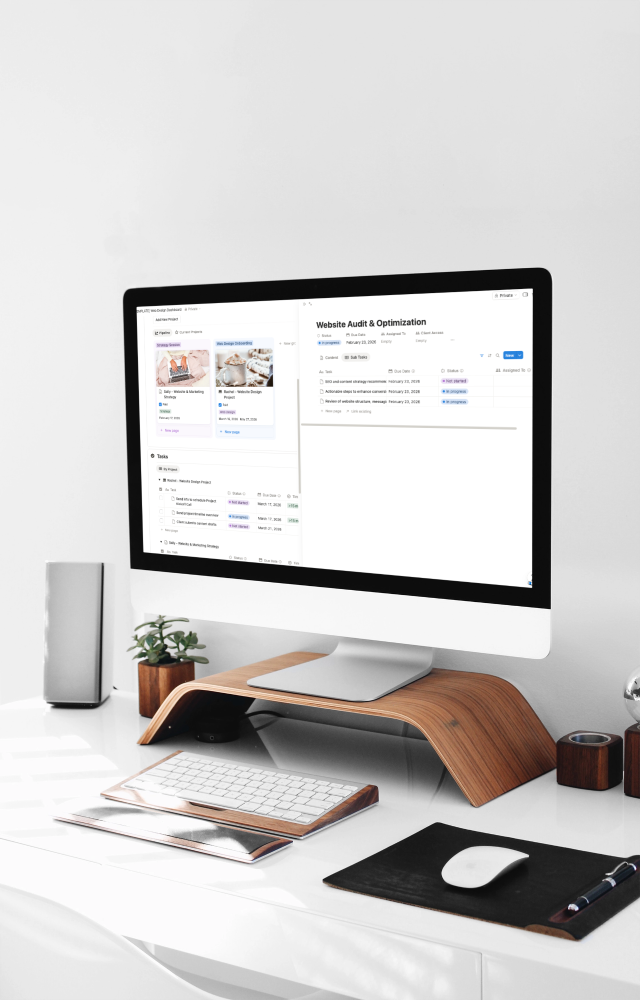
I walk you through the exact Notion structure I use to keep every web design project calm, clear, on track. and repeatable so you have a system that actually works.