The Web Designer’s Client Project Reset
The Notion Project HQ That Keeps Every Build on Track
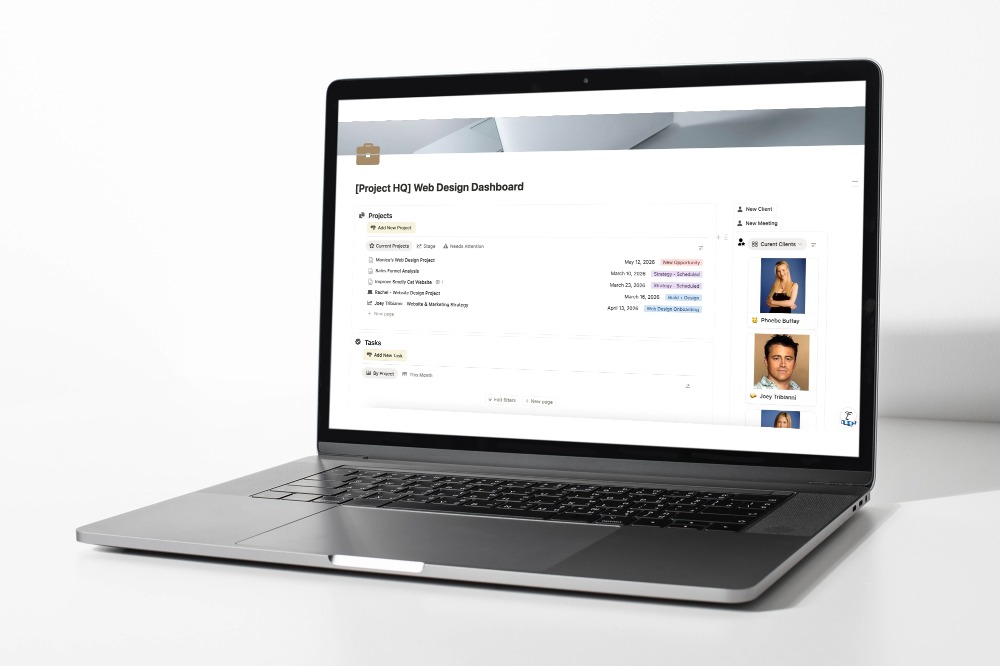
Notion is the calm.
Your CRM is the engine.
If your client projects feel like organized chaos at best and a dumpster fire at worst — this is for you.
In this free webinar replay, I walk you through the exact Notion structure I use to keep every web design project calm, clear, and on track. No fluff. No 47-tab setup.
Just a clean, repeatable system that actually works.
What You’ll Get
 Webinar Replay Access: watch on your own time
 Project HQ Lite Notion Blueprint: free, ready to duplicate, yours immediately
What You’ll Learn
- Project HQ Layout — The simple home base that keeps your tasks, notes, files, and “what’s next” in one clear place without turning Notion into a junk drawer. 🫣
- Notion vs. Your CRM — A clean division of labor so you keep your CRM as the engine, and use Notion as your project command center. ✌🏼
- Everything, Finally Together — How to stop hunting through emails, threads, Google Drive folders, and random docs by giving every project one easy-to-find HQ.
- The In-Progress Reset — A quick way to bring order to a project that’s already underway, so you can get back on track without starting over.
This is for you if:
- You’re juggling multiple client projects and things keep slipping through the cracks
- You’ve tried project management tools but nothing has stuck
- You want a workflow that’s simple enough to actually repeat